Promotions & upselling surfaces
Every place on the web app that shows an upsell / promotion and reports it to analytics. Each card has a live preview of the UI. Use this to understand where and when we nudge users to upgrade.
How to read this
- view_promotion fires once when the promotion becomes visible on screen (an impression).
- select_promotion fires when the user clicks the promotion’s CTA.
- promotion_id / promotion_name — identify the promotion. {...} marks a part filled in at runtime.
- creative_slot — where on the site the promotion appears. creative_name — the specific design / variant (used for A/B tests).
- Live preview — modals open via a button; inline surfaces render in place. Previews use sample data, so credit counts / plan names may differ from production.
Studio in-context nudges
Inline prompts that appear inside the Studio editing flow when the user runs low on credits or hits a locked Pro tool.
Studio credit notice
A yellow floating notice above the Studio toolbar. Shows when the user does not have enough credits to run the current action. Guests see the "trial" variant (CTA → auth); signed-in users see the "upgrade" variant (CTA → pricing).
| creative_slot | creative_name | Notes |
|---|---|---|
| {location} e.g. studio_staging_generate | credit_notice_trial | Guests — CTA opens the sign-up / auth modal. |
| {location} e.g. studio_staging_generate | credit_notice_upgrade | Signed-in users — CTA opens the pricing table. |
Two variants by auth state — both shown here (the live component only renders one, depending on whether you’re logged in). CTAs open the same real modals: guest → sign-up/auth, signed-in → upgrade.
Studio Sidebar Upgrade
An upgrade card pinned in the Studio sidebar listing the next tier’s features. Visible for non-paid users (hidden once the user is on a paid plan). CTA opens the pricing table modal.
| creative_slot | creative_name | Notes |
|---|---|---|
| studio_sidebar | upgrade_card_{target} e.g. upgrade_card_starter / upgrade_card_pro | target = the next plan we nudge toward. |
Only renders when the current session has an available upgrade — hidden for top-tier plans and while permissions load.
Studio replace lock
A gold “locked” dot overlay on the Replace Furniture tool (a Pro-only feature) in the photo editor. Visible when the tool is locked for the user’s plan. Clicking opens the "Upgrade to Replace" modal.
| creative_slot | creative_name | Notes |
|---|---|---|
| studio_replace_furniture | replace_furniture | The locked tool button itself. |
| modal | upgrade_to_replace | v1 modal it opens — feature grid + "View Plans". |
| modal | upgrade_to_replace_v2 | v2 modal — before/after swap with a "Start Swapping" CTA. Same promotion_id for A/B comparison. |
Faithful replica of the real locked tool (the overlay is internal to the studio toolbar and not exported). It’s the normal “Replace Furniture” tool button with a small accent dot pinned top-right marking it Pro-locked. Click either button to open the real modal — v1 (upgrade-to-replace) or v2 (upgrade-to-replace-v2), the same funnel as the live tool.
Batch staging credit notice
The batch-staging equivalent of the credit notice — a floating notice above the batch staging toolbar. Shows when the user lacks enough credits for a batch generation.
| creative_slot | creative_name | Notes |
|---|---|---|
| studio_batch_staging_generate | credit_notice_trial | Guests — CTA opens auth. |
| studio_batch_staging_generate | credit_notice_upgrade | Signed-in users — CTA opens pricing. |
Faithful replica (the batch notice is internal to the batch-staging route and not exported). Uses the real `batchCreditsNeeded` copy. Both auth variants shown — the message is identical, only the CTA changes (Sign Up → auth vs Upgrade Now → pricing).
Upsell modals
Full dialogs that interrupt the flow when a free user hits a gated action (download, edit limit, replace, or a guest running out of credits).
Pricing Table
The full-screen pricing modal shown after most upgrade CTAs. Fires a view_promotion when opened; the click is attributed to whichever surface opened it (so no select_promotion here).
| creative_slot | creative_name | Notes |
|---|---|---|
| modal | pricing_table | promotion_id / name inherit from the surface that opened it, falling back to pricing_table. |
Upgrade to Download
A free-vs-Pro comparison modal shown when a free user tries to download a result. CTA opens the pricing table.
| creative_slot | creative_name | Notes |
|---|---|---|
| modal | v1_upgrade_to_download | — |
Studio replace lock (modal)
The intermediate modal that explains why Replace Furniture is Pro-only, opened from the studio_replace_lock tool button. Shares the studio_replace_lock promotion_id for unified funnel tracking. "View Plans" opens the pricing table.
| creative_slot | creative_name | Notes |
|---|---|---|
| modal | upgrade_to_replace | — |
Upgrade to Edit (v1)
Shown when a free user reaches the edit limit (4 edits). v1 shows an edit-limit progress bar and benefits. CTA opens the pricing table.
| creative_slot | creative_name | Notes |
|---|---|---|
| modal | v1_edit_limit | Progress-bar variant. |
Upgrade to Edit (v2)
Alternate design for the edit-limit upsell: a two-column modal with an auto-advancing carousel of room images. Same trigger as v1 (edit limit reached); the two share promotion_id `upgrade_to_edit` and differ only by creative_name.
| creative_slot | creative_name | Notes |
|---|---|---|
| modal | v2_edit_limit | Carousel variant — same promotion_id as v1 for A/B funnel comparison. |
Login for Credit
Shown to a guest who tries an action that needs credits. Encourages signing in for free credits. CTA opens the auth modal.
| creative_slot | creative_name | Notes |
|---|---|---|
| modal | v1_login_for_credit | — |
Editor sidebar panels
Persistent panels in the standalone editor’s sidebar for non-Pro or out-of-credit users.
Editor Upgrade To Pro
A sparkle-icon upgrade panel in the editor sidebar, visible to non-Pro users. Click opens the pricing table.
| creative_slot | creative_name | Notes |
|---|---|---|
| editor_sidebar | upgrade_to_pro | — |
Editor Credit Empty
A yellow "out of credits" panel in the editor sidebar. Visible only when remaining credits ≤ 0. CTA opens auth (guests) or pricing (signed-in).
| creative_slot | creative_name | Notes |
|---|---|---|
| editor_sidebar | credit_empty | — |
Two variants by auth state — both shown. Same promotion_id / creative for each; only the copy and CTA differ. Guest → “Sign up to get more for free.” (opens auth); signed-in → “Upgrade to get more.” (opens pricing).
Empty states
Upgrade prompts rendered in place of gated dashboard sections when the user has no data / no access.
API Key Empty State
Shown in the API Keys section when no keys are configured (a Pro feature). Button opens the pricing table.
| creative_slot | creative_name | Notes |
|---|---|---|
| empty_state | API Key Empty State | — |
Desbloquea el acceso a la API
Mejora tu plan para crear claves API e integrar nuestras herramientas de diseño con IA en tus propias aplicaciones y flujos de trabajo.
Team Empty State
Shown in team management when no members have been added. Button opens the pricing table.
| creative_slot | creative_name | Notes |
|---|---|---|
| empty_state | Team Empty State | — |
Colabora con tu equipo
Mejora a un plan Team para invitar a miembros, compartir proyectos y diseñar juntos en tiempo real.
Subscription Empty State
A card prompting the user to upgrade, shown when a subscription-only feature is unavailable. Button opens the pricing table.
| creative_slot | creative_name | Notes |
|---|---|---|
| empty_state | Team Empty Upgrade | — |
Marketing & global surfaces
Promotions that live on marketing pages or the global header, driving new/returning users into the funnel.
CTA Banner
The large hero banner with an upload dropzone and CTA buttons that appears at the footer of marketing pages. The slot marks which page (home_footer, pricing_footer, …). On click, creative_name records which specific CTA was used.
| creative_slot | creative_name | Notes |
|---|---|---|
| {slot} e.g. home_footer / pricing_footer | cta_banner_v1 | view_promotion — canonical creative version. |
| {slot} e.g. home_footer / pricing_footer | dropzone_upload / start_free / contact_sales | select_promotion — creative_name carries which CTA was clicked. |
Tu próximo anuncio
merece una mejor visión
Empieza a amueblar en segundos. Sin tarjeta de crédito. Sin saber diseño.
/assets/_shared/icons/upload.v5.png)
Arrastra y suelta aquí la foto de tu anuncio
Compatible con JPG, PNG, WebP, AVIF, HEIC
Blog Sidebar
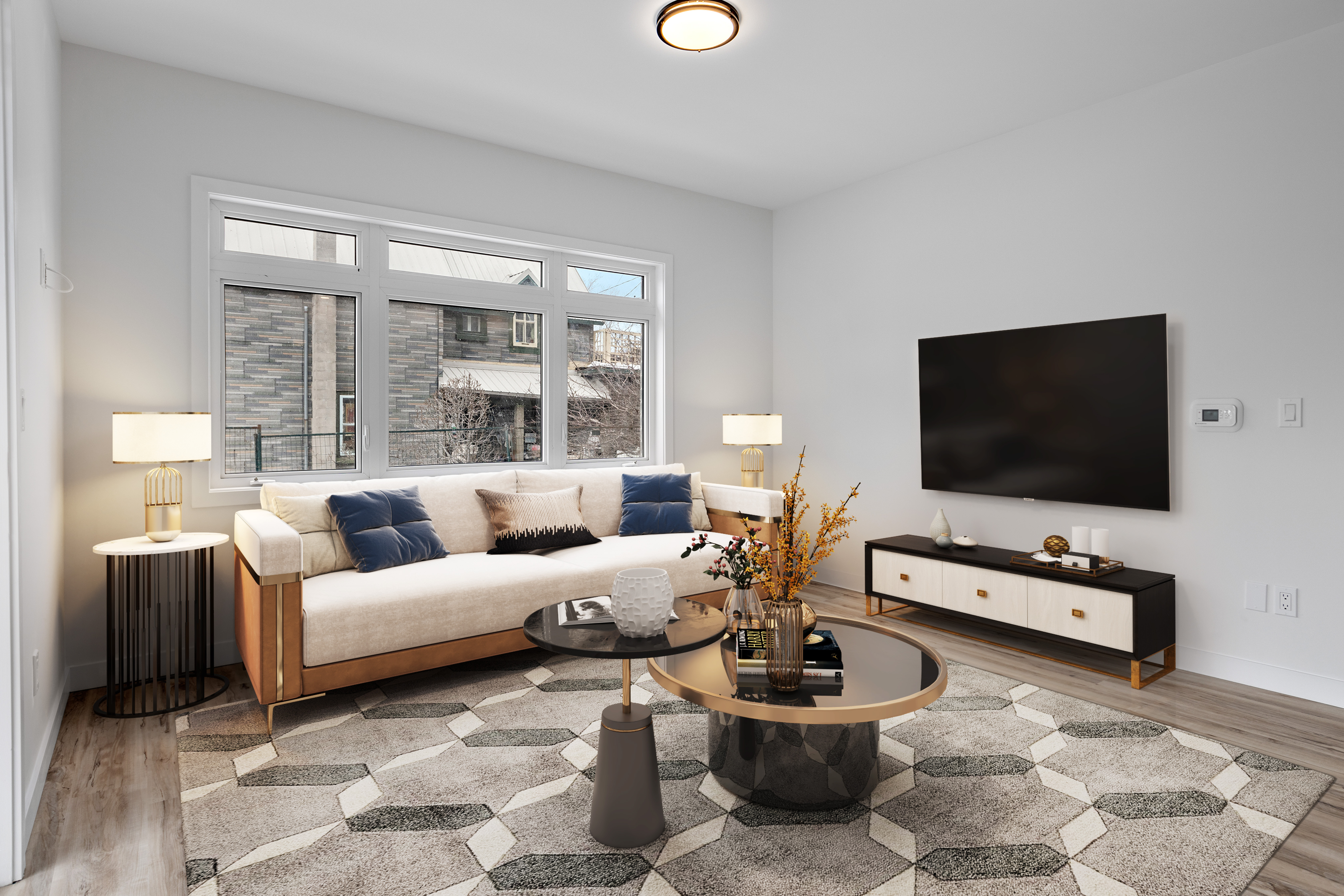
A sticky sidebar on blog article pages with a hero image and a "Start Staging" button that sends the reader into the staging flow.
| creative_slot | creative_name | Notes |
|---|---|---|
| blog_sidebar | blog_sidebar_v1 | view_promotion — impression. |
| blog_sidebar | start_staging | select_promotion — CTA click. |
Credit Balance
The credit pill in the global header. The promotion only fires when the user is out of credits (balance ≤ 0), at which point the pill turns red. Clicking it opens the pricing table.
| creative_slot | creative_name | Notes |
|---|---|---|
| header_credit_balance | low_credits | — |