
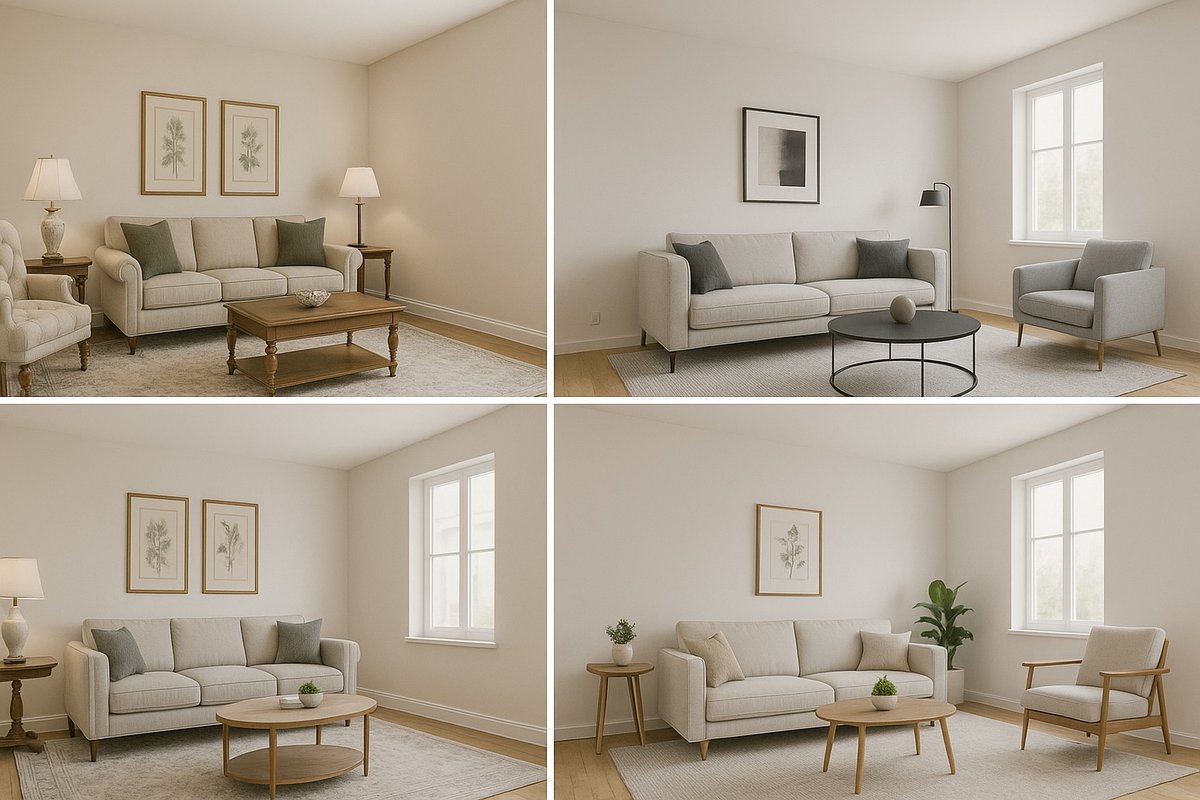
How to Choose the Right Virtual Staging Style for Your Property
Choosing the right virtual staging style isn’t just about aesthetics—it’s about helping buyers emotionally connect with a space. With Edensign, selecting a…
Choosing the right virtual staging style isn’t just about aesthetics—it’s about helping buyers emotionally connect with a space. With Edensign, selecting a fitting design style is easy and effective. Here's how to get it right.
1. Understand Your Buyer
Identify your target audience: young professionals, growing families, or high-end investors. Then, choose a design style that resonates—minimalist for professionals, warm and functional for families, luxury finishes for upscale buyers.
2. Match the Architecture
The staging should complement the property's structure. A loft benefits from modern or industrial styling, while suburban homes look best with classic or transitional decor.
3. Prioritize Key Rooms
Focus on the living room, primary bedroom, and kitchen. These spaces shape first impressions. Edensign lets you select room types so our AI places furniture intelligently and realistically.
4. Keep It Clean and Neutral
Unless you’re marketing a niche property, go for broadly appealing color schemes and layouts. Edensign’s default options are designed for wide-market appeal.
5. Use Prompt-Based Editing
Want to change a rug or add a plant? Use Edensign’s smart prompt-based editing feature to instantly customize your staged photos with simple text instructions.
Try different styles and compare engagement using Edensign’s lightning-fast virtual staging tools at Edensign.io.

The Edensign Workflow
From raw photos to a market-ready listing.
- 01Step 01
Analyze & Price
Upload your photos and an address.
- 02Step 02
Stage & Design
Pick a room and a style.
- 03Step 03
Publish & Sell
Review and export.
- MLS-ready description
- Export the full package
- Shareable buyer pageComing soon
- Listing performance trackingComing soon
Your Next Listing
Deserves a Better Vision
Analyze, stage and publish your next listing. No credit card. No design skills.
- 1Comparable Sales (CMA)
- 2Property Upgrade & Staging Recommendations
- 3Buyer Appeal & Positioning
- 4MLS-Ready Listing Description
 Drop your listing photosA whole folder works · JPG, PNG, WebP, AVIF, HEIC
Your first report and first 2 rooms are free. No credit card required.