
Renovate where the ROI is highest
For homeowners and listing agents. Enter an address and add photos to see which upgrades return the most at sale, what they cost, and every room after the work.
Just an address and your photos
Trusted By
One plan: the work, the cost, the return
From an address and photos you get what the home sells for today, the work that pays back the most within the budget, the price after the work and the ROI.
Try it: open each part, move the budget, switch the level, preview the rooms.
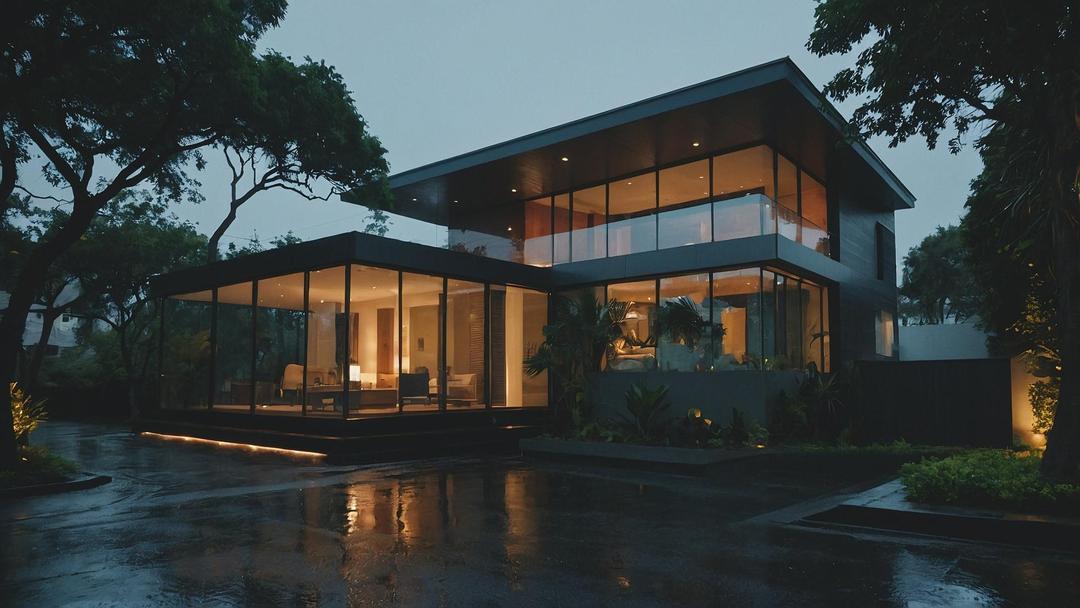
Renovation plan
The work that adds the most to the sale price within your budget.
New surfaces and fixtures; the furniture stays.
The rooms after the work
Tap a room to compareExample report. Cost and price figures are estimates, not a quote or a guaranteed sale price.
Put the budget where it returns the most
Set a budget and get the plan that adds the most to the sale price. Every part shows its cost, next to the price after the work, the gain that is left once the work is paid for, and the ROI.
- The budget decides the plan, and you can move it any time
- Hard finishes only, or a full renovation with a new kitchen layout and staging
- Cost, price after the work, expected gain and ROI, side by side
- If no work adds more than it costs, the report says so
Start with the rooms that hold the price back
Every room in the photos gets a plain rating, so the money goes to the rooms a buyer would mark down.
- Each room rated from the photos you add
- A short, plain note on what looks dated or worn
- The plan starts with the rooms that need it
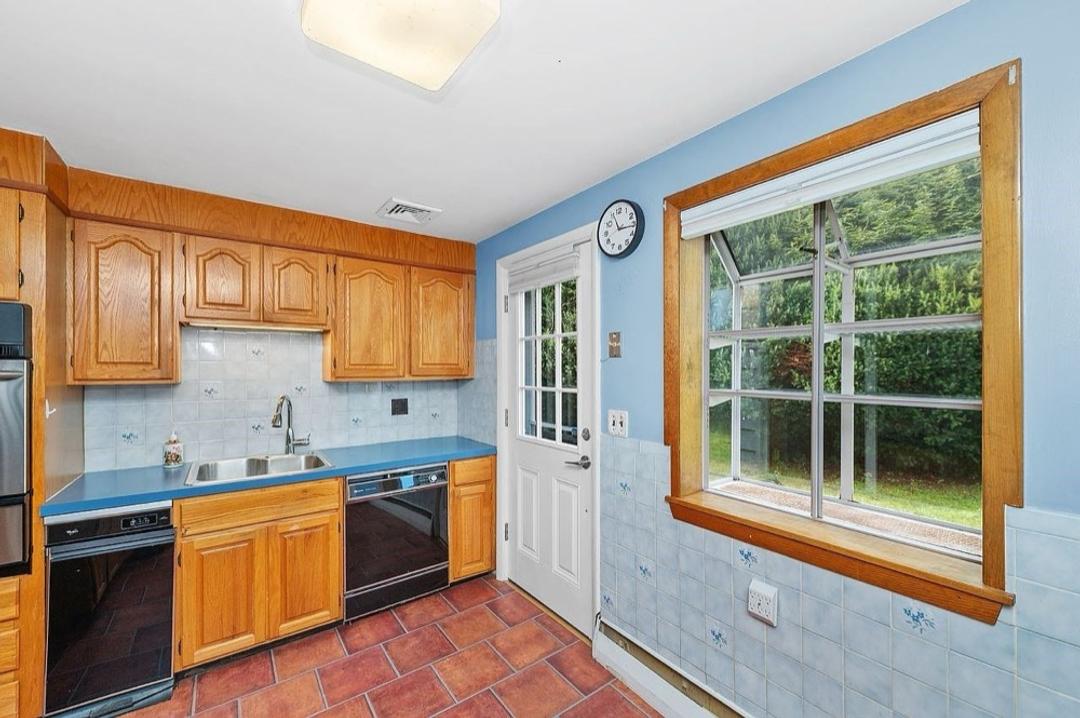 Dated, needs updatesKitchen
Oak cabinets, tile counters and a worn floor.
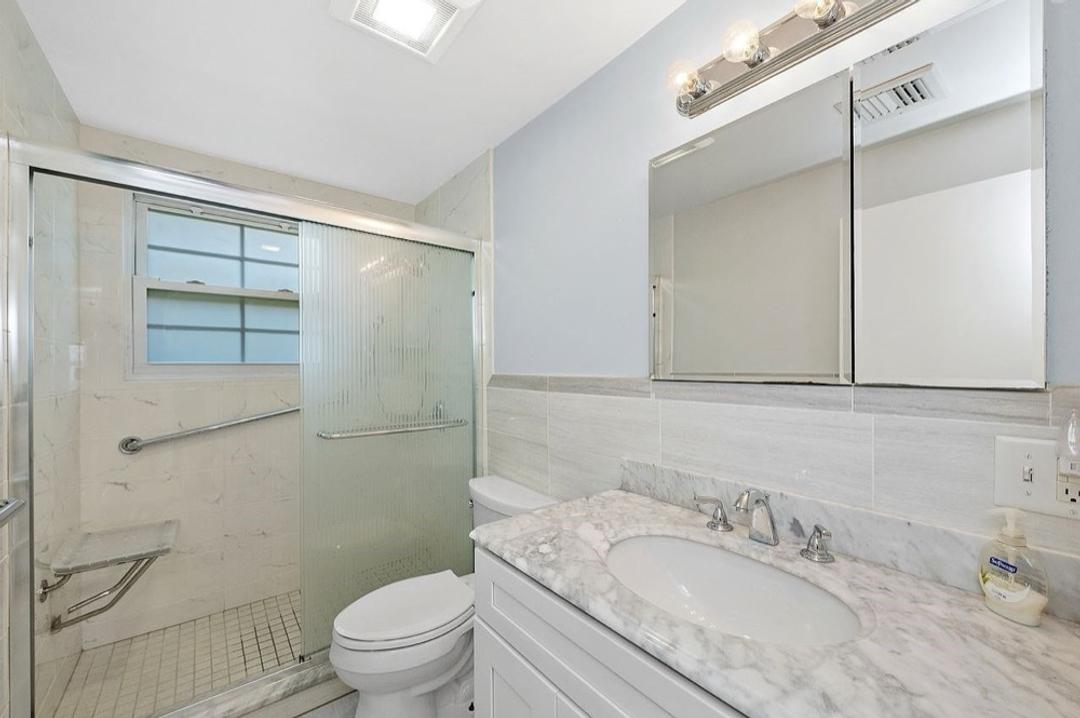 Dated, needs updatesBathroom
Older fixtures and a dated vanity light.
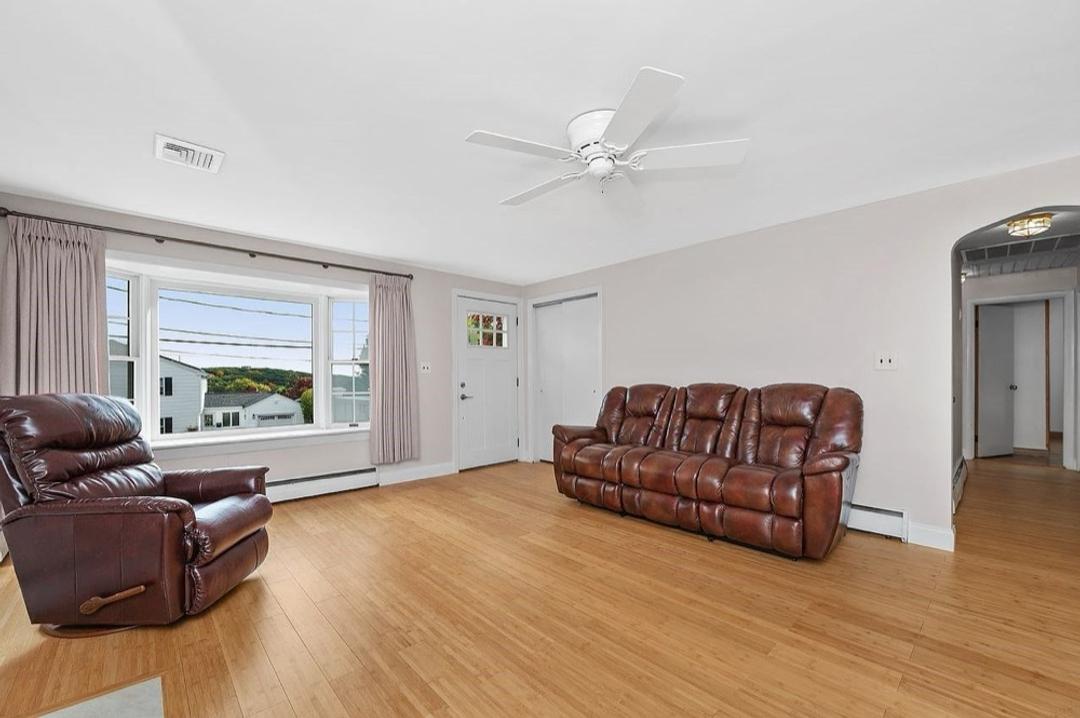 Well maintainedLiving room
Clean walls and floors in good shape.
Show the result before the work starts
Every room in the plan is redrawn on its own photo: the same room, the same angle, the new finishes. Choose how far the work goes and drag to compare with today.
New surfaces and fixtures; the furniture stays.
- AI preview
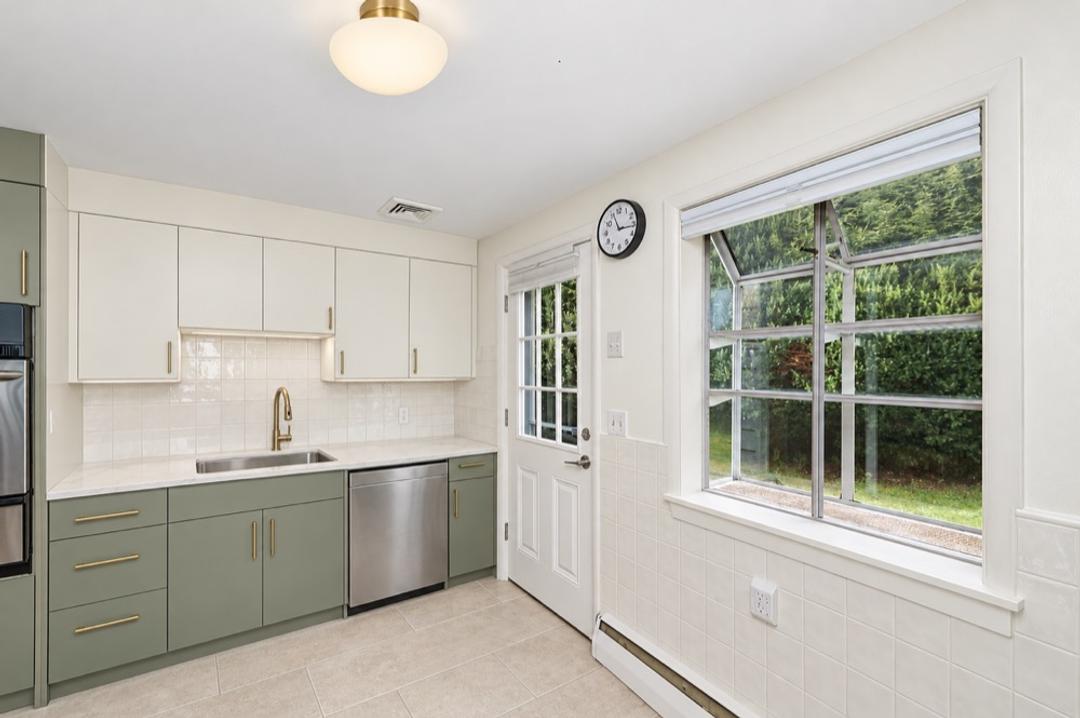 BeforeAfterKitchen
- AI preview
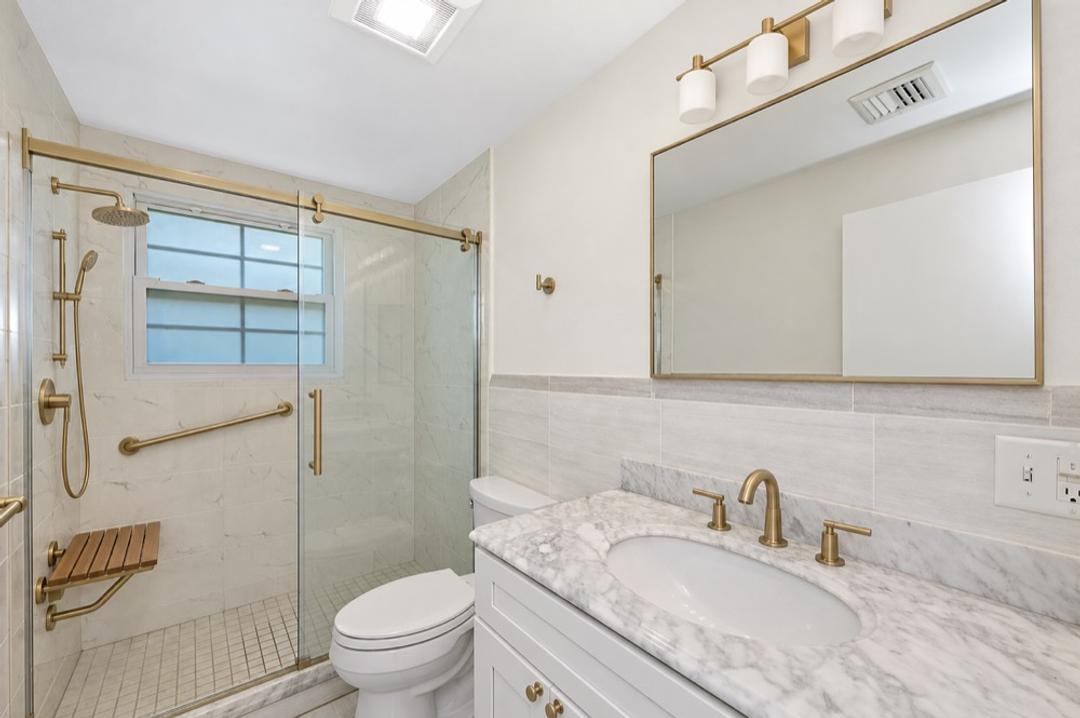 BeforeAfterBathroom
- AI preview
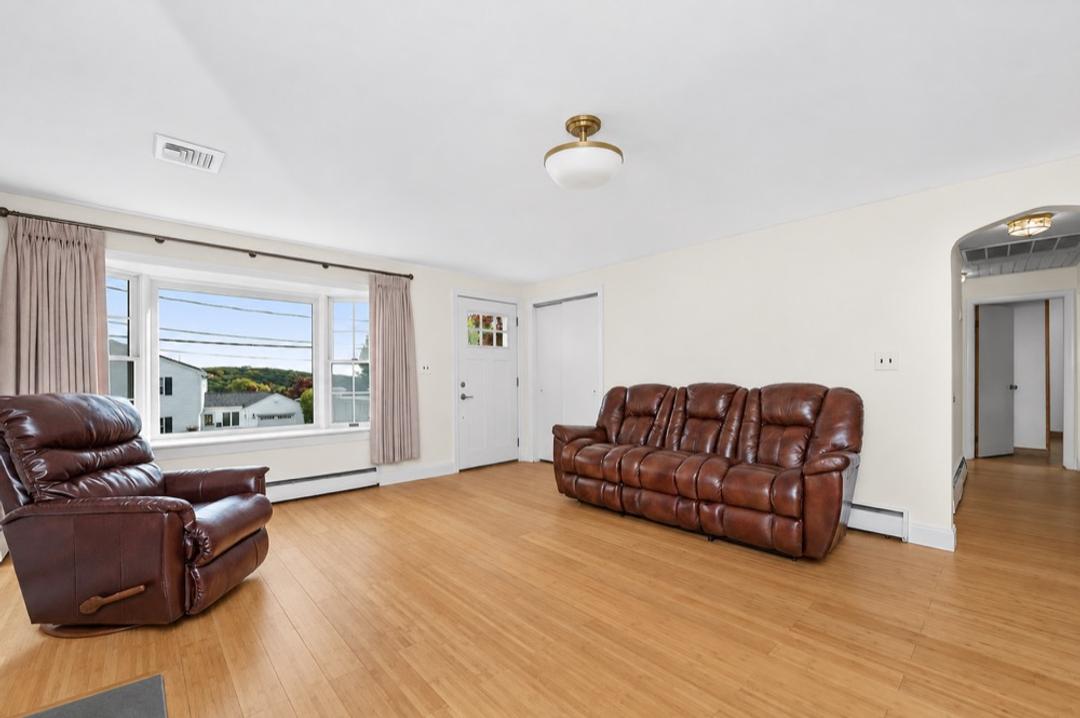 BeforeAfterLiving room
AI previews of a proposed renovation, drawn on the home’s own photos.
For sellers and the agents who list for them
Selling your home
Decide what to renovate before you list, with the cost and the return in front of you.
Listing a client’s home
Show the seller a renovation plan with its cost, its return and previews of their own rooms.
Questions before you renovate
It depends on the home. The report rates each room from the photos and picks the work that adds the most to the sale price for the budget you set, with a cost for each part.
The expected gain measured against what the work costs. An ROI of 168% means each $1 of work is expected to come back with $1.68 on top.
The report answers that in dollars: what the home could sell for today, what the work costs and what the home could sell for after. When no work adds more than it costs, it says that selling as it is nets the most.
You do not type in any numbers. Add the address and photos, and in a few minutes the report works out the plan, its cost and the expected gain.
Hard finishes means new surfaces and fixtures, such as paint, floors, counters and tile, while the furniture stays. Full renovation is the same finishes, plus a new kitchen layout where it helps and staging.
Yes. Enter the listing’s address and photos, then walk the seller through the plan, its cost and return, and the previews of their own rooms.
Just the address and photos of the home. Regular phone shots work, and you can add them all at once.
No. They are estimates to help you decide, not a quote from a contractor or a guaranteed sale price.
See where the return is before you spend
Enter an address and see the plan.
Just an address and your photos