/assets/gallery/living-room/case-1-after.v1.jpg)
For MLS & REALTOR® Associations
AI Virtual Staging and Listing Tools as a Member Benefit
Give every MLS subscriber and association member AI virtual staging, photo enhancement, AI CMAs and MLS-ready listing descriptions. Every staged photo is labeled and the original is kept, so listings stay within your photo rules.
The Edensign Workflow
From raw photos to a market-ready listing.
- 01Step 01
Analyze & Price
Upload your photos and an address.
- 02Step 02
Stage & Design
Pick a room and a style.
- 03Step 03
Publish & Sell
Review and export.
- MLS-ready description
- Export the full package
- Shareable buyer pageComing soon
- Listing performance trackingComing soon
A Member Benefit Agents Use on Every Listing
Most member benefits get used once a year. Listing photos and listing copy come up every time a member takes a new listing, so an AI listing toolkit stays in use all year.
Member value that shows up weekly
Members stage vacant rooms, enhance photos, turn day to dusk and write listing remarks from one login. It saves them a stager, a photo editor and a copywriter on every listing.
Better photos in your MLS
Brighter, straighter, decluttered photos and staged rooms raise the quality of what buyers see on the MLS, on IDX sites and in syndication feeds.
Compliance built in
Every virtually staged photo carries a visible label, the original photo is kept for side-by-side display, and listing descriptions are checked for fair-housing language before members paste them.
Virtual Staging Disclosure That Matches Your MLS Rules
Many MLSs require virtually staged photos to be disclosed and the unstaged original to be shown alongside them. Edensign sets those defaults for every member account in your program.
- A “Virtually Staged” label on every staged image, with placement and wording you choose
- The original photo exported with every staged version, named so the pair stays together
- Staging changes furniture and decor only
- Image size and format exported to your MLS photo specifications
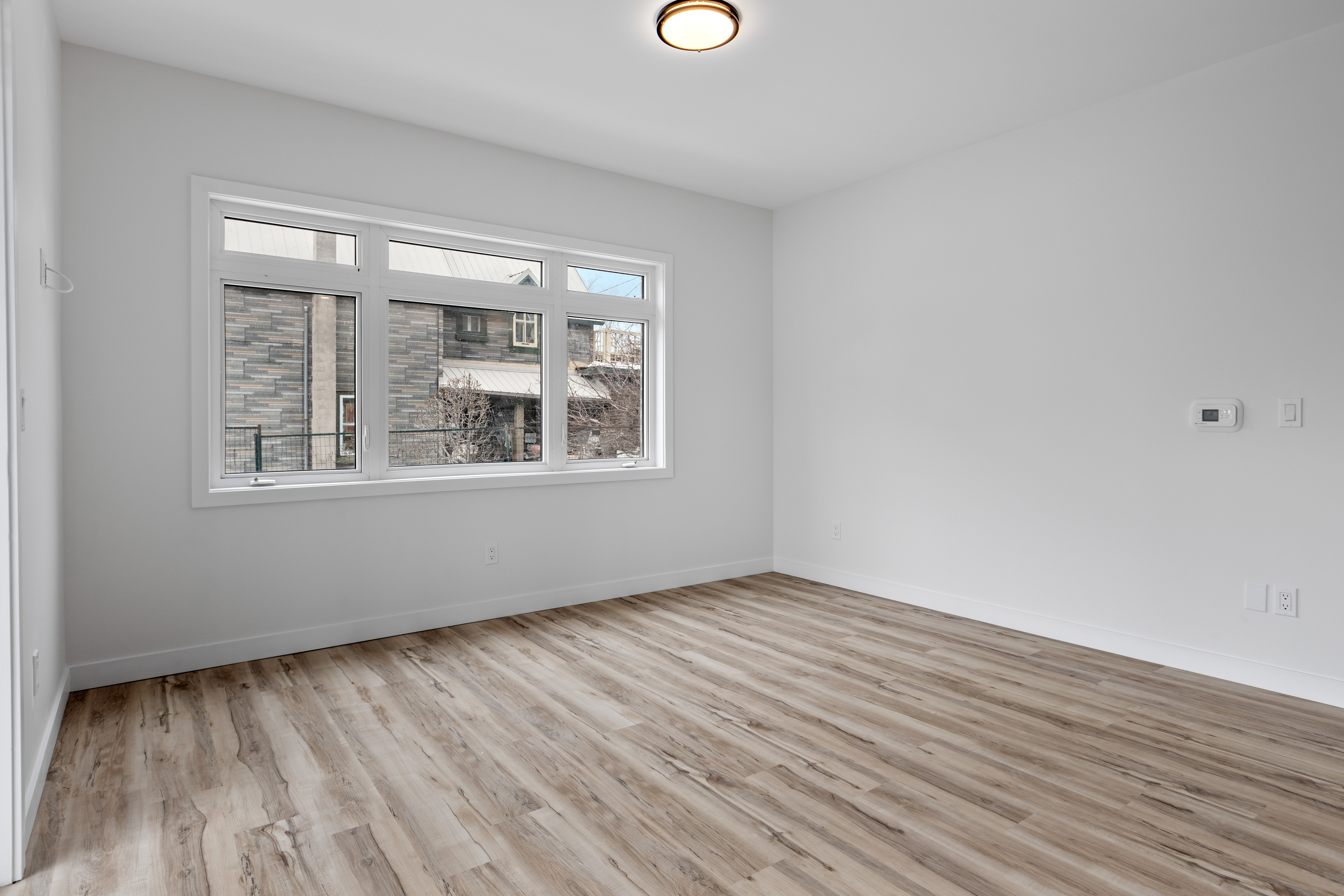
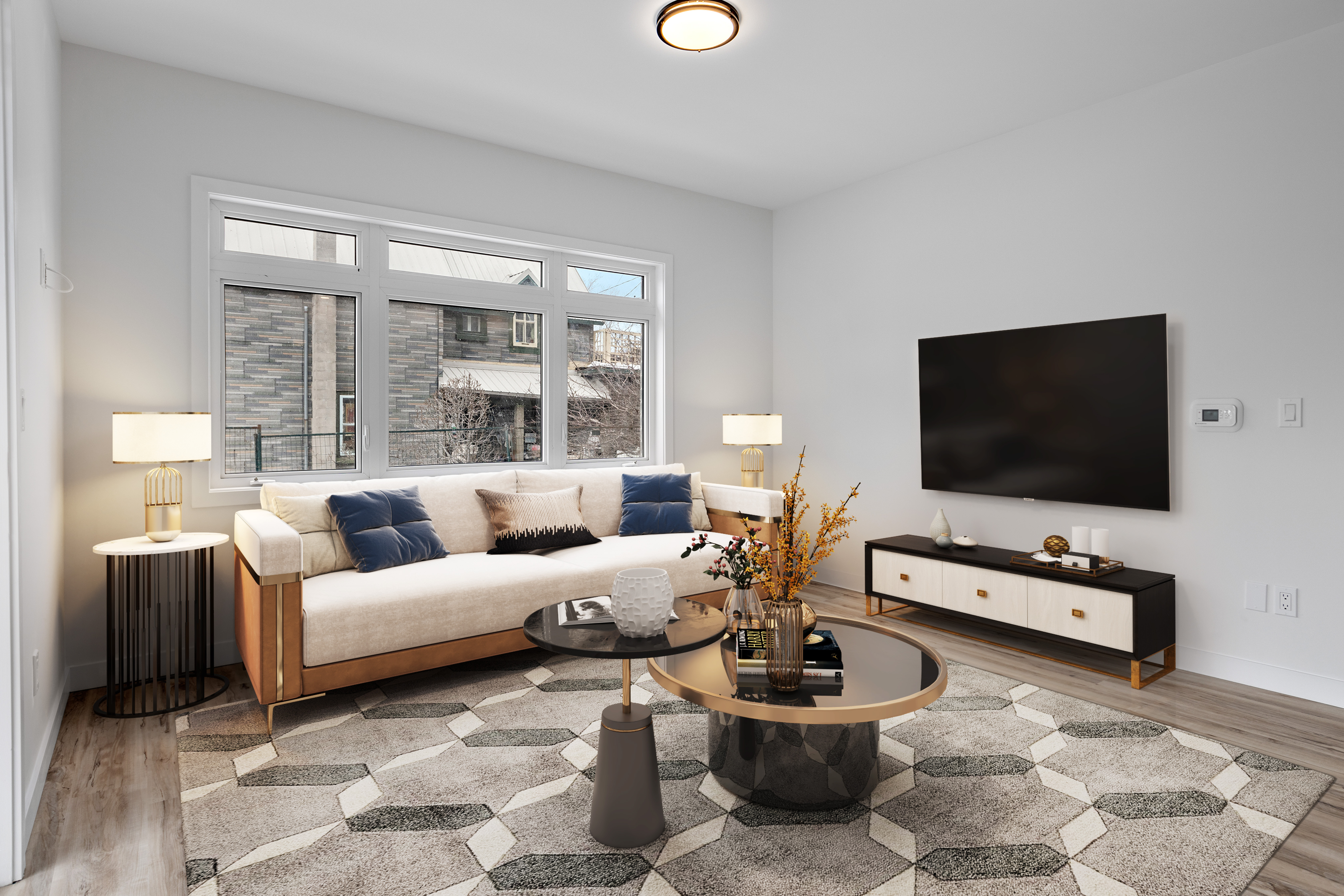 Virtually Staged
How an MLS Member Benefit Program Works
Launch to your members in a few weeks, without new software for your staff to run.
- 01
Pick a program
Member discount, association-wide license or MLS integration. Pricing scales with your subscriber count.
- 02
Launch a co-branded page
Members sign in with your SSO or a member code from a landing page with your logo and rules.
- 03
Members list with it
Agents stage, enhance, price and write listings from their photos. Disclosure labels apply automatically.
- 04
Track adoption
A program dashboard shows active members, photos processed and reports created by office.
AI Real Estate Tools Included for Every Member
One login covers the photo, pricing and copy work behind a new listing.
Multi-Angle Virtual Staging
Stage every photo of a room together so the furniture matches from every angle.
Learn more →3D Virtual Staging
Place and adjust 3D furniture in regular listing photos.
Learn more →All Photo Tools
Day to dusk, decluttering, furniture editing, sky and lawn replacement, photo enhancement, virtual renovation and more, all in one workspace.
See all tools →AI CMA & Comps
Comparable sales and a suggested list price range for the listing appointment.
Learn more →MLS-Ready Listing Descriptions
Listing remarks written from the photos and neighborhood data, ready to paste.
Learn more →2D to 3D Floor Plans
Turn a flat floor plan into a 3D view buyers can read at a glance.
Learn more →Three Ways to Offer Edensign to Your Members
Start with a discount and move to a license or integration when adoption grows.
Member Discount
No cost to the associationMembers get discounted plans through your member benefits page. Edensign handles sign-up, billing and support.
- Discounted Pro and Premium plans
- Co-branded landing page
- Monthly adoption report
Association-Wide License
Priced by member countEvery member gets an Edensign account included with dues, with photo credits and listing reports pooled across the association.
- Included for every member
- SSO or member-code sign-in
- Usage dashboard by office
- Member training webinars
MLS Integration
For MLS operatorsMembers open virtual staging and photo editing from the listing input screen, and edited photos return to the listing with the original attached.
- Launch from listing input
- Staging and photo editing API
- Disclosure labels applied on export
- Dedicated technical support
Next step for your listing
/assets/ai-listing-intelligence/living.v1.jpg)
/assets/3d-virtual-staging/how-it-works-editor-step-1-layout.v1.jpg)
/assets/multi-view-virtual-staging/hero-1-after.v1.jpg)
/assets/multi-view-virtual-staging/hero-2-after.v1.jpg)
Frequently Asked Questions From MLSs and Associations
Most MLSs allow virtually staged photos as long as they are disclosed and do not hide or misrepresent the condition of the property. Many also require the unstaged original to appear alongside the staged version. Edensign applies a disclosure label and exports the original with every staged photo so members can follow those rules.
Each staged image gets a visible “Virtually Staged” label. The association or MLS chooses the wording, size and position once, and it applies to every member account in the program.
Yes. Associations can list Edensign as a member discount at no cost, or include it for every member through an association-wide license. Both options come with a co-branded sign-up page.
MLS operators can add virtual staging and photo editing to the listing input flow through the Edensign API. Edited photos return to the listing with the original attached. Contact us to discuss your MLS vendor.
The member discount program has no cost to the association. License and integration pricing depends on member or subscriber count. Talk to our partnerships team for a quote.
Yes. The program dashboard shows active members, photos staged and enhanced, and listing reports created, broken down by office or board.
Bring AI Listing Tools to Every Member
See the member experience, the disclosure settings and the program dashboard in a 30-minute demo.
Contact Sales